Aura video lessons

Video Tutorials

Watch long-form Aura workflows without the usual player chrome. The page keeps the current lesson playing as you scroll, pauses the rest, and lets you enable sound only when you want it.

Lesson 01

I Asked GPT Image 2.0 to Imagine a Landing Page, Then GPT-5.5 Built It

Main video / Lesson 01 / Image-first workflow

I Asked GPT Image 2.0 to Imagine a Landing Page, Then GPT-5.5 Built It

A full image-first landing-page workflow that starts by asking GPT Image 2.0 to imagine a premium AI interior design website section by section. Instead of asking code generation to invent the entire page from a blank prompt, the lesson creates visual references for the hero, philosophy, style library, process, intelligence, pricing, CTA, and footer.

From there, the walkthrough uses GPT-5.5 to recreate and refine each section in HTML. The useful lesson is the loop: generate a strong visual direction, translate it into code, then use human judgment to improve spacing, typography, image treatment, cards, interactions, pricing, and final polish.

GPT Image 2.0GPT-5.5Landing pages

Topics covered

Lessons

Lesson 02

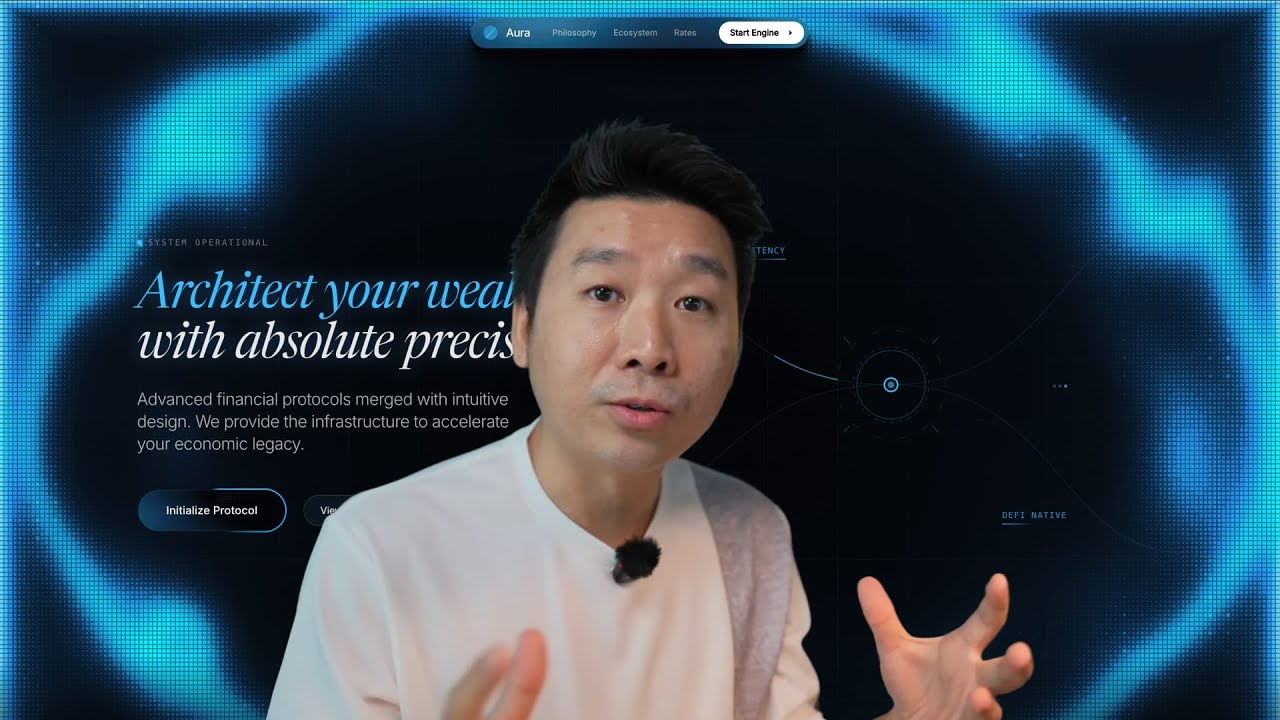
Building Animated WebGL Landing Pages with Gemini 3.1 Pro + design.md

Lesson 02 / WebGL landing pages

Building Animated WebGL Landing Pages with Gemini 3.1 Pro + design.md

A full walkthrough for turning visual references into an animated WebGL landing page workflow inside Aura. The lesson starts with inspiration gathering and image variation, then moves into Gemini prompts, DESIGN.md, WebGL motion, Matter.js physics, and final page assembly.

Use it when you want a landing page to feel designed and interactive instead of static. The focus is prompt structure, reference handling, remixing without copying, and tightening the strongest generated direction.

GeminiDESIGN.mdWebGL

Topics covered

Lesson 03

How I Recreate Complex Animations with ChatGPT + Design.md

Lesson 03 / Animation workflow

How I Recreate Complex Animations with ChatGPT + Design.md

A practical process for recreating complex web motion from a video reference. The workflow shows how to observe timing, direction, easing, glow, depth, rotation, and physics, then translate those details into prompts that Aura can use.

The lesson is especially useful for animated hero backgrounds, looped visual effects, and UI motion that is difficult to describe from a still screenshot alone.

ChatGPTAnimationDesign systems

Topics covered

Lesson 04

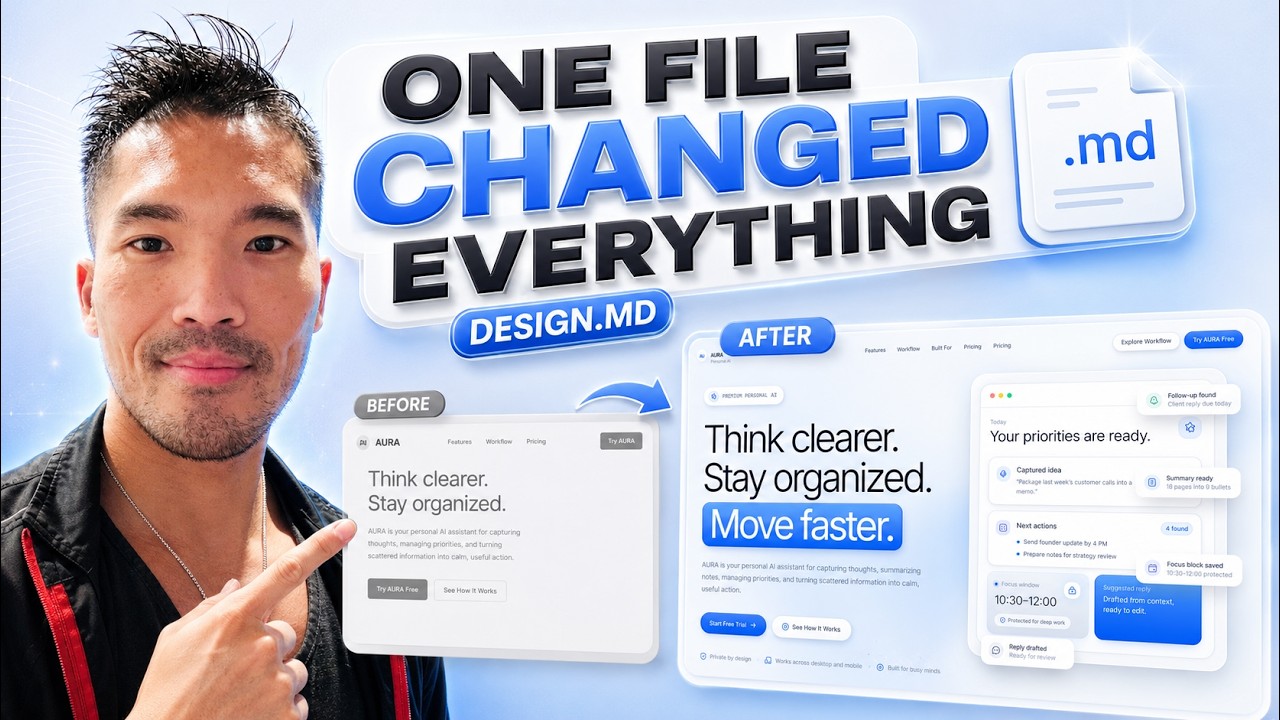
Why This DESIGN.md File Made My AI Design Look So Much Better

Lesson 04 / DESIGN.md refinement

Why This DESIGN.md File Made My AI Design Look So Much Better

A workflow for improving AI-generated UI by giving Aura a DESIGN.md file before refining a landing page. The lesson compares a plain detailed prompt, a simple skeuomorphic style instruction, and a stronger DESIGN.md reference so the difference in visual identity is easy to see.

After the first pass, the video focuses on the real refinement loop: improving navigation, replacing generic sections, adapting Aura components with ChatGPT, and carrying the same visual DNA through pricing, FAQ, CTA, footer, and motion polish.

DESIGN.mdSkeuomorphic UIRefinement

Topics covered

Lesson 05

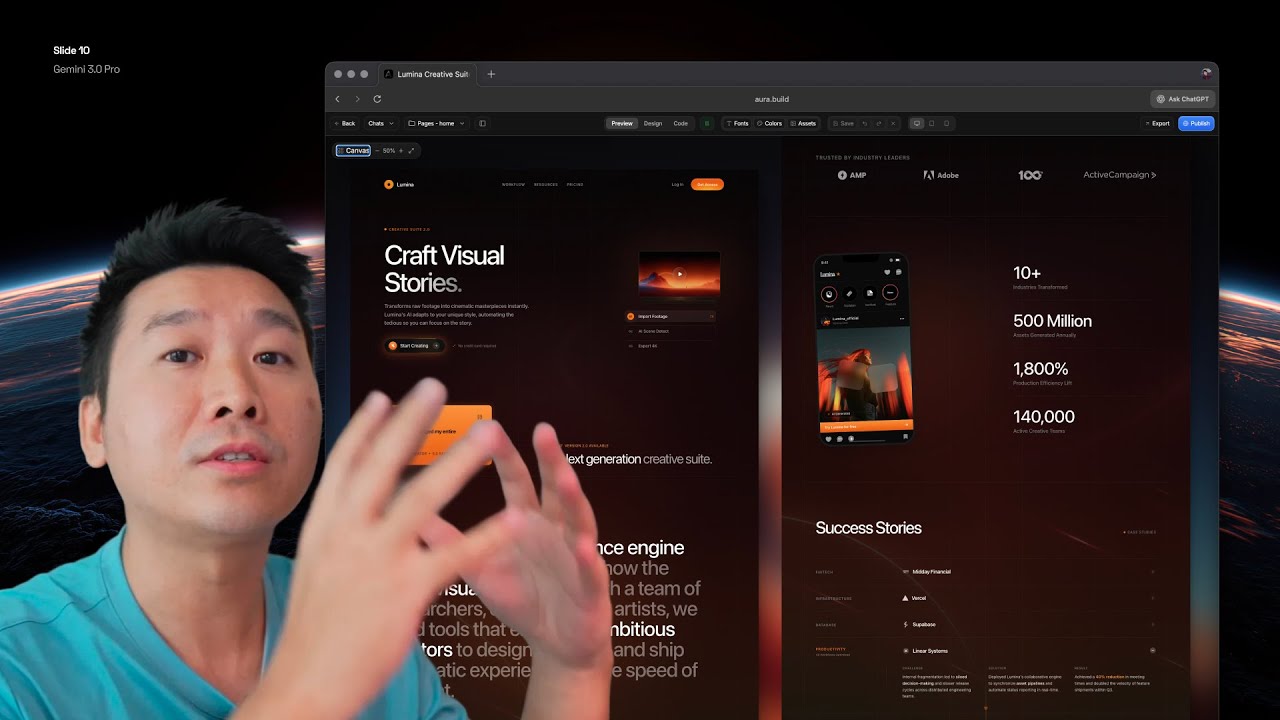
Gemini 3 is now a pro-level landing page creator

Lesson 05 / Pro landing pages

Gemini 3 is now a pro-level landing page creator

A longer blueprint for using Gemini 3 and Aura to build polished, animated landing pages from a blank canvas. It covers market positioning, inspiration research, custom 3D assets, icon systems, typography, animation prompts, bento sections, editing, and responsive refinement.

Watch this when you want the full production workflow: from collecting references and writing the first hero prompt to polishing mobile views and turning the outcome into social assets or template-quality pages.

Gemini 3Landing pagesPolish

Topics covered

Lesson 06

Building Better Landing Pages with GPT 5.5 + design.md

Lesson 06 / Landing-page quality

Building Better Landing Pages with GPT 5.5 + design.md

A section-by-section landing page workflow that starts with a screenshot, creates a new visual direction with ChatGPT Images, then rebuilds the page in Aura with GPT-5.5. The emphasis is controlled iteration instead of asking AI for a whole page at once.

It shows how to use Generate and Edit modes, maintain visual consistency across sections, refine the full page, and extract a reusable DESIGN.md file when the direction works.

GPT-5.5DESIGN.mdLayout

Topics covered

Lesson 07

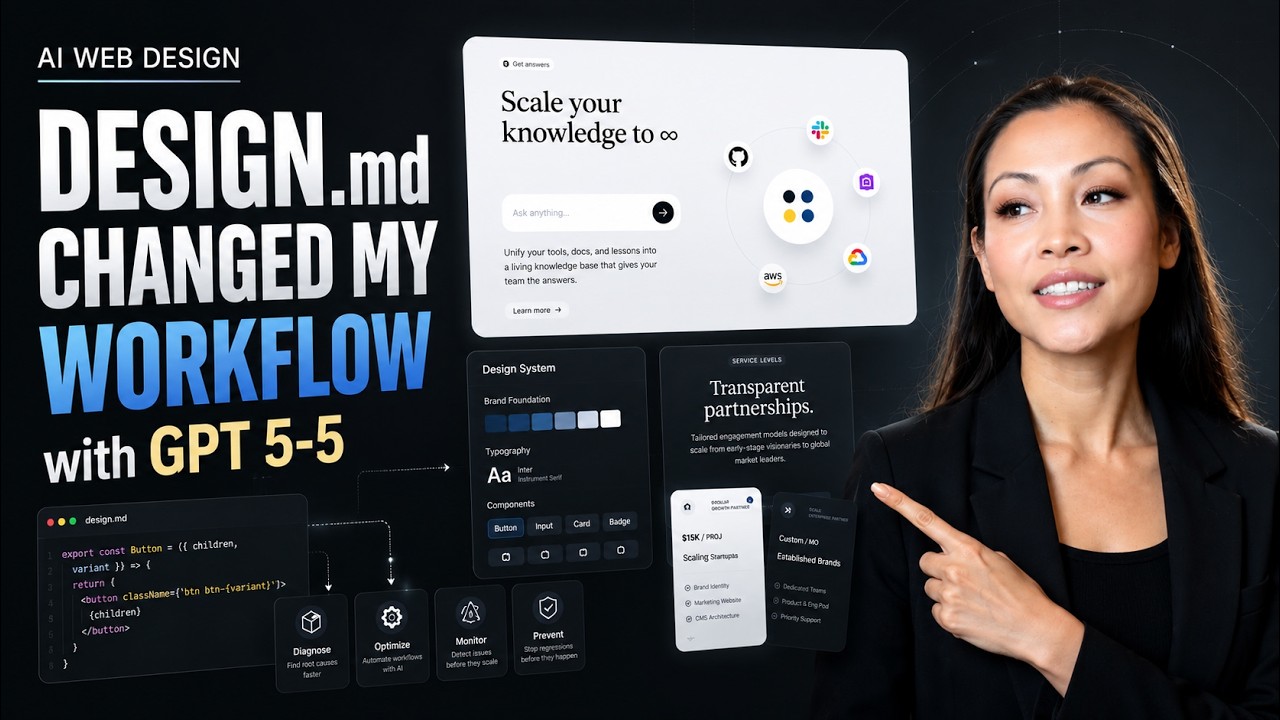
DESIGN.md Changed My AI Web Design Workflow

Lesson 07 / Workflow systems

DESIGN.md Changed My AI Web Design Workflow

A deep dive into using DESIGN.md as the source of visual DNA for AI-generated sites. The lesson explains how typography, color, spacing, radius, layout rhythm, and overall direction can be captured once and reused across prompts.

It also covers importing live site references, generating a base design with GPT-5.5, transforming a clone into an original Aura page, replacing assets, improving sections with references, and using skills and components to keep the page coherent.

DESIGN.mdWorkflowConsistency

Topics covered

Lesson 08

Gemini 3 changes everything for web design

Lesson 08 / AI web design

Gemini 3 changes everything for web design

A broad Gemini 3 workflow for moving beyond generic AI web design. The lesson combines inspiration gathering, reference-driven prompting, image-to-HTML, precise editing, style mixing, animation snippets, advanced backgrounds, and final polish.

Use this as the end-to-end tour for remixing templates into production-ready pages: it covers what to prompt, how to steer the model with visual references, where to edit manually, and how to add the finishing effects AI often misses.

Gemini 3Image to HTMLAnimation

Topics covered